- 🧱 Cut the development costs, building a good trading experience is hard!
- ☔️ Offer users all CoW Protocol innovations, like protection from MEV, just-in-time path finding (optimised for Multisigs), batching of transactions and more.
- 🤑 Create a revenue model for your Dapp by using the
partnerFee(see Fees).
Demo
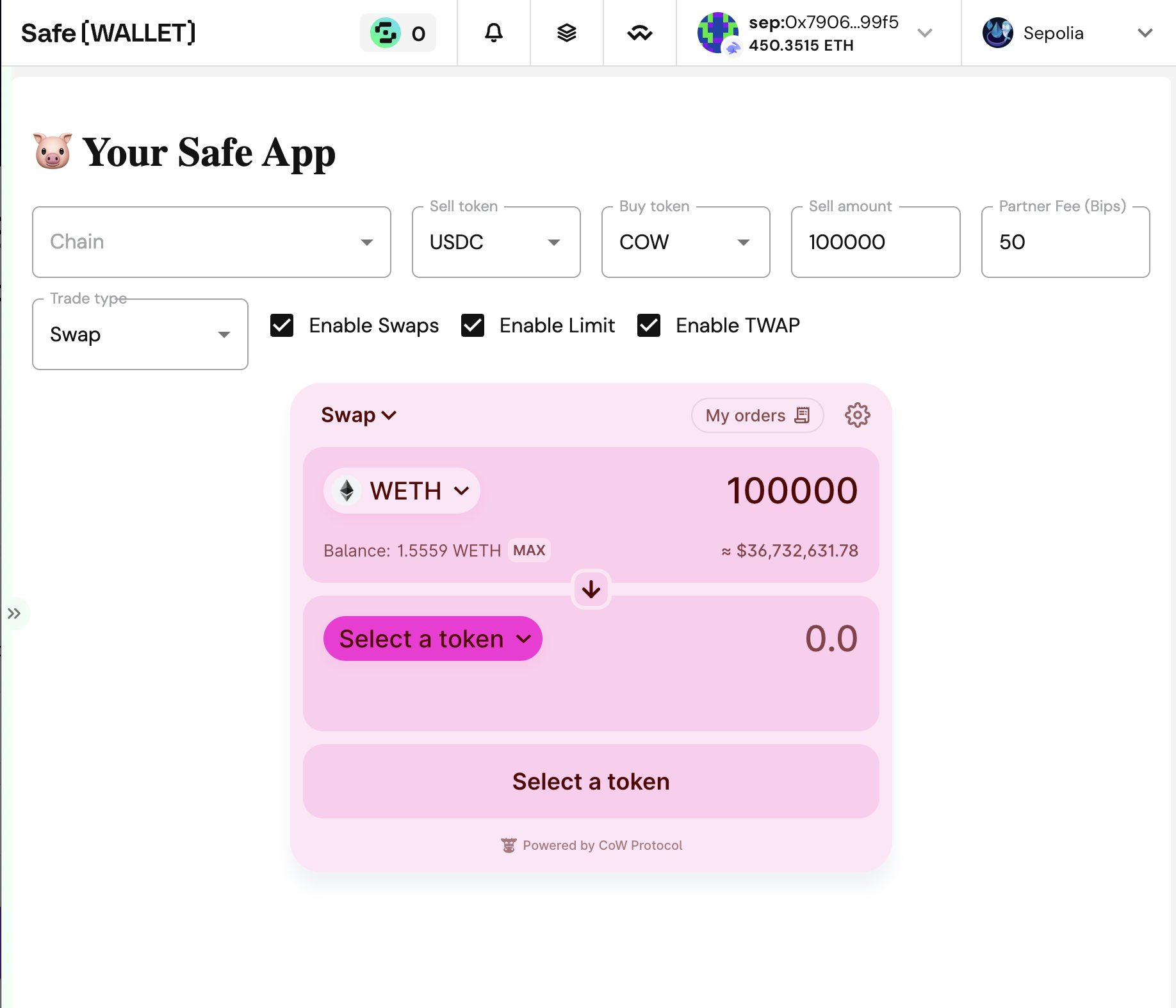
Before you start, you can get a feel of the Safe App example. Feel free to skip this step! The example shows:- How to make a new Safe App
- How to make Swaps, Limit orders and TWAPs
- How to control programatically the swap widget
- How to detect trade parameters (token selection, amounts, etc.)
- How to define a dynamic fee
- How to customize the colors, tokens, sounds, etc
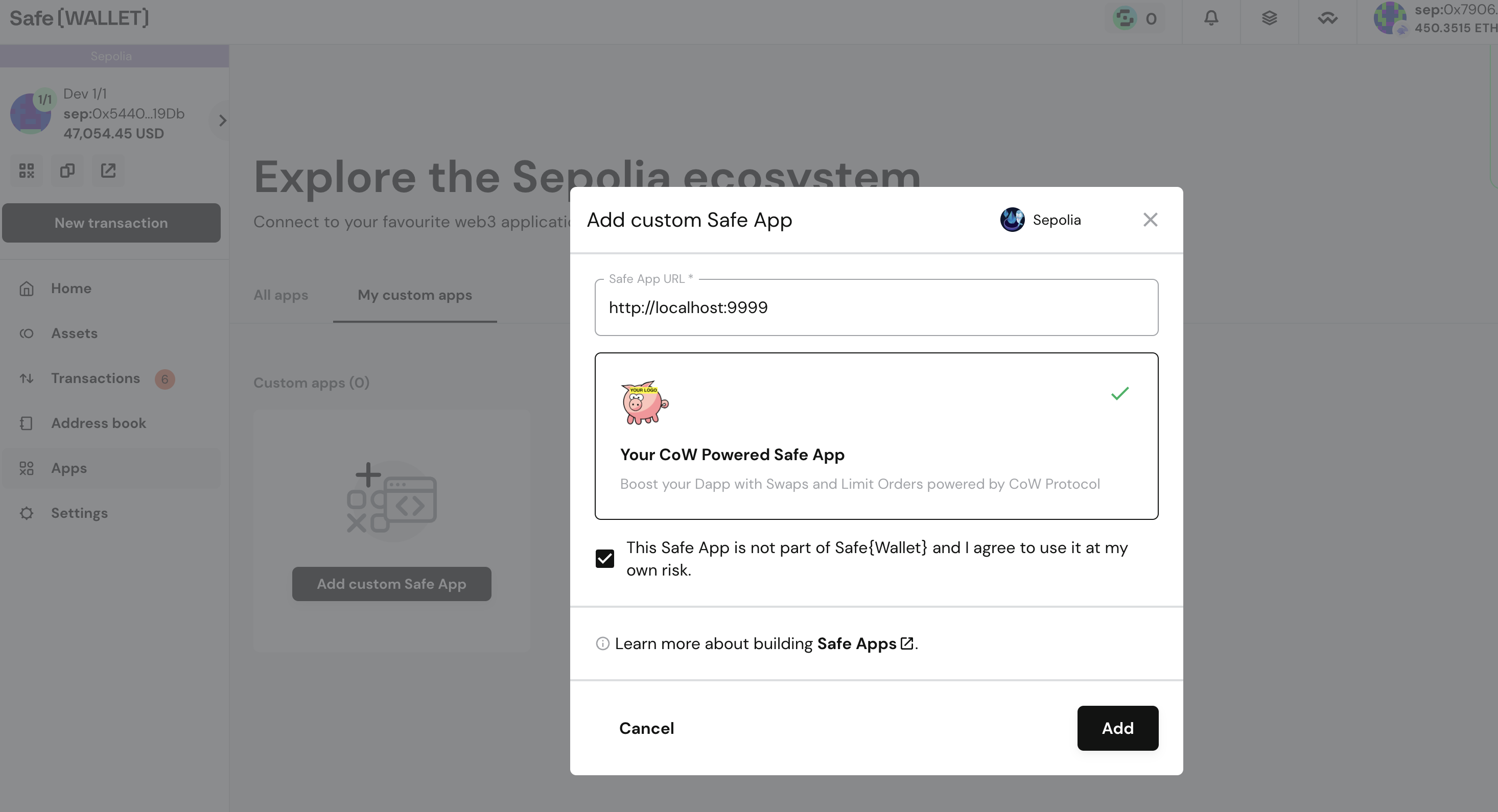
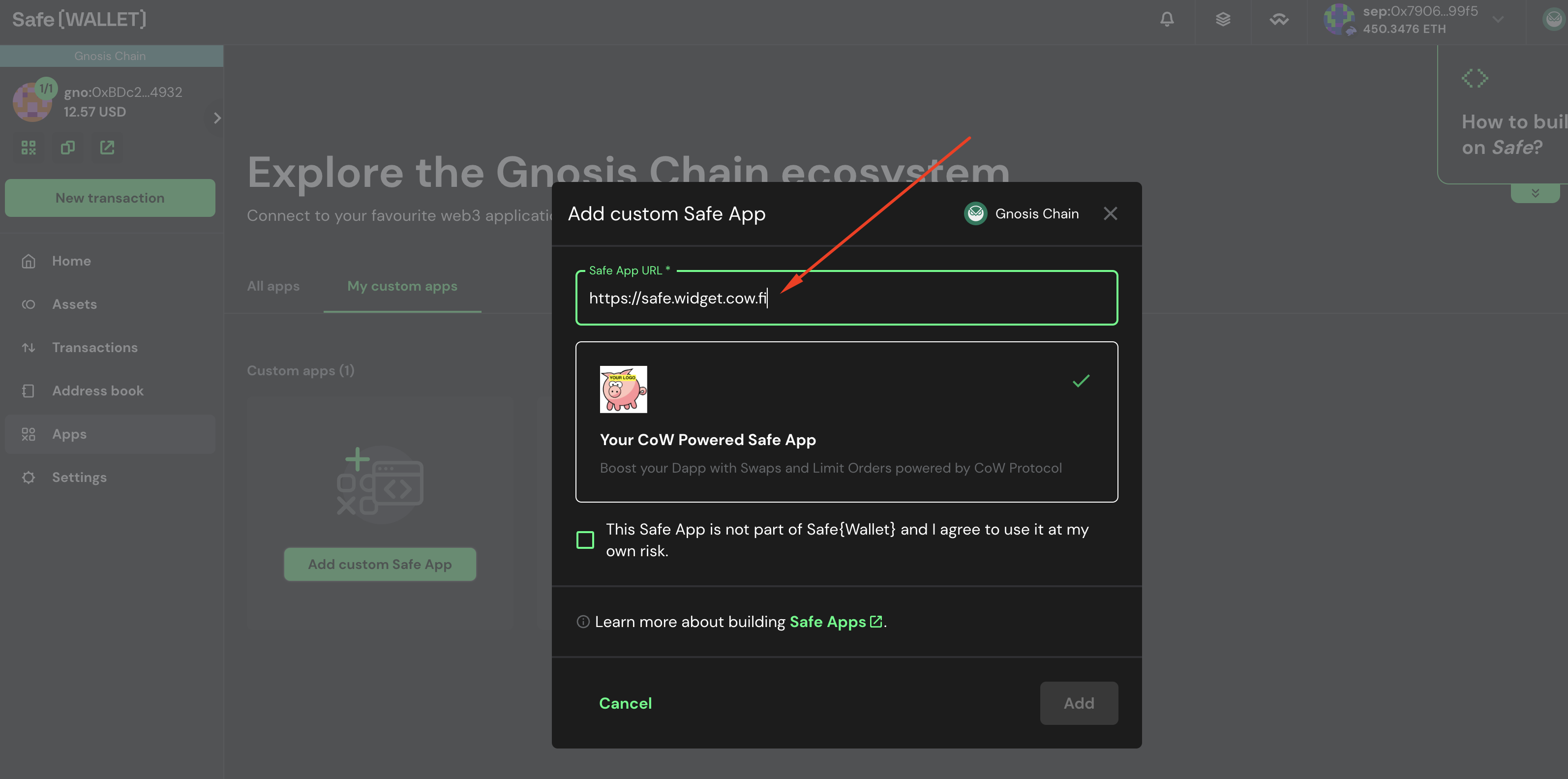
http://localhost:9999, use the URL https://safe.widget.cow.fi.
Fork the project
You can use the safe-app-example to start with some basic boilerplate code. Go to https://github.com/cowprotocol/safe-app-example and fork it.
Clone boilerplate code
Once you have forked the project, clone it to your local machine.Run app locally
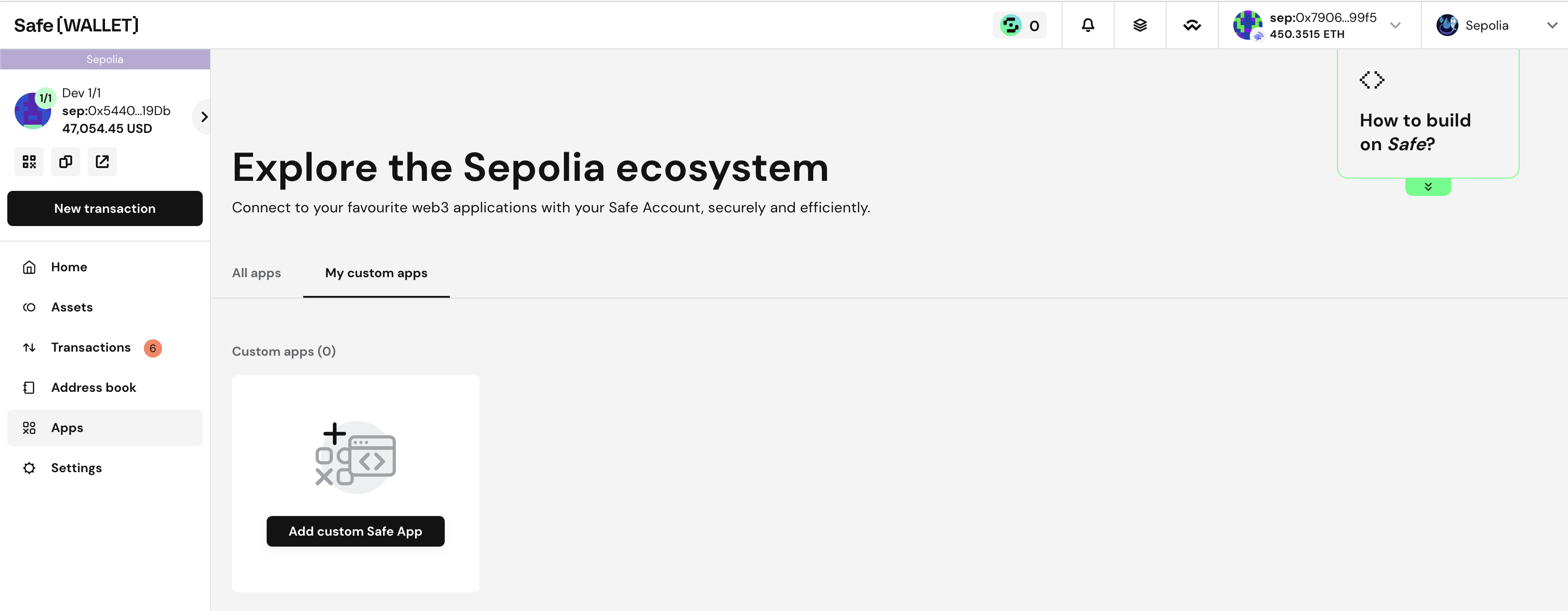
Launch the Dapp on port 9999 (for example).Add your custom dapp in Safe Wallet
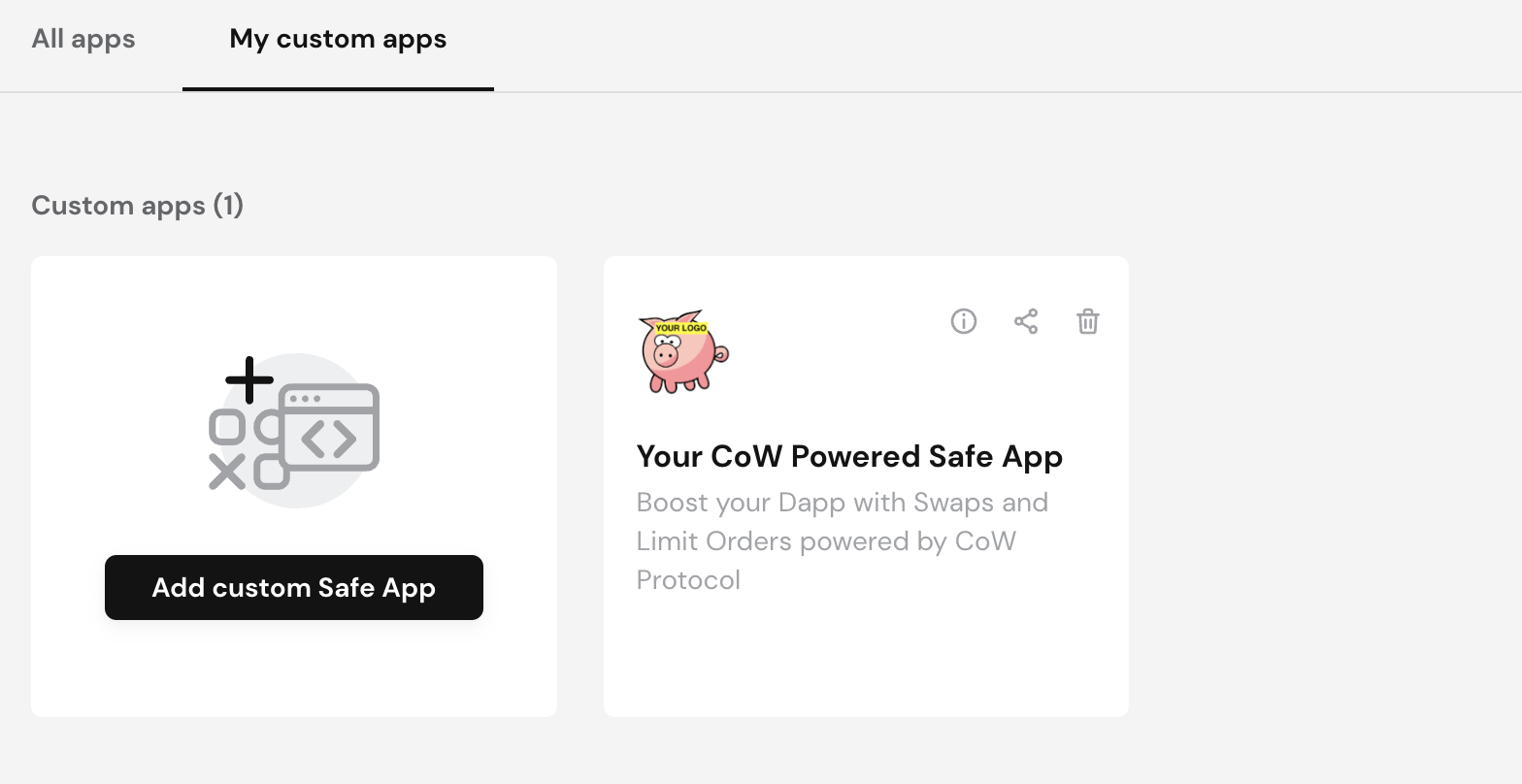
Go to https://app.safe.global and create a safe if you don’t have one for Sepolia network (convenient for testing). Then navigate to:Apps > My Custom Dapps.